February 10th, 2026
- Excel 10 Must-Haves


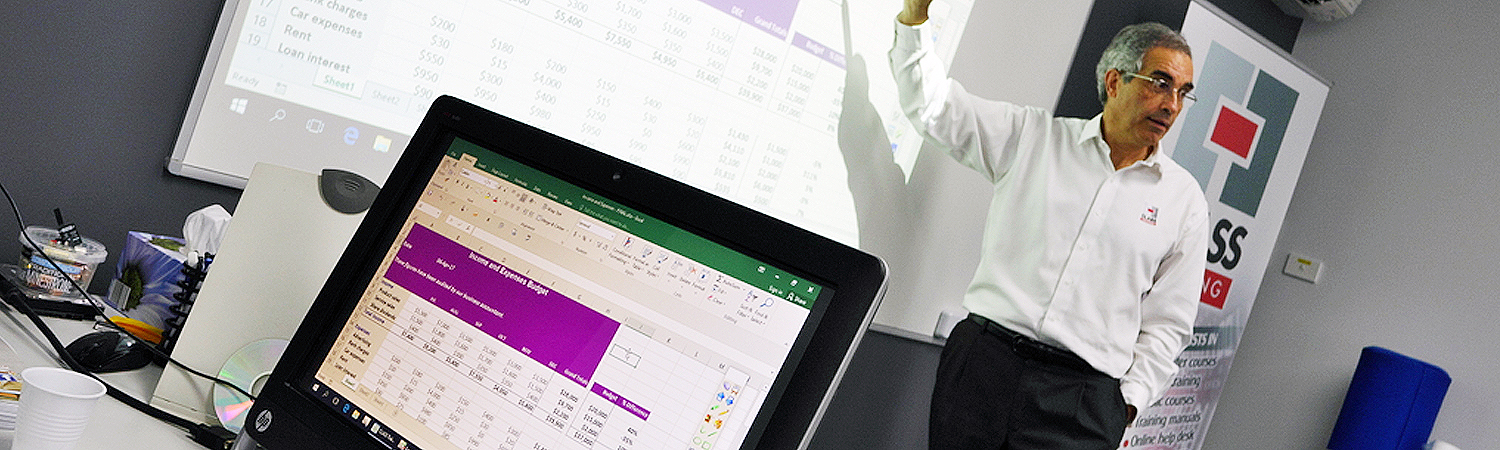
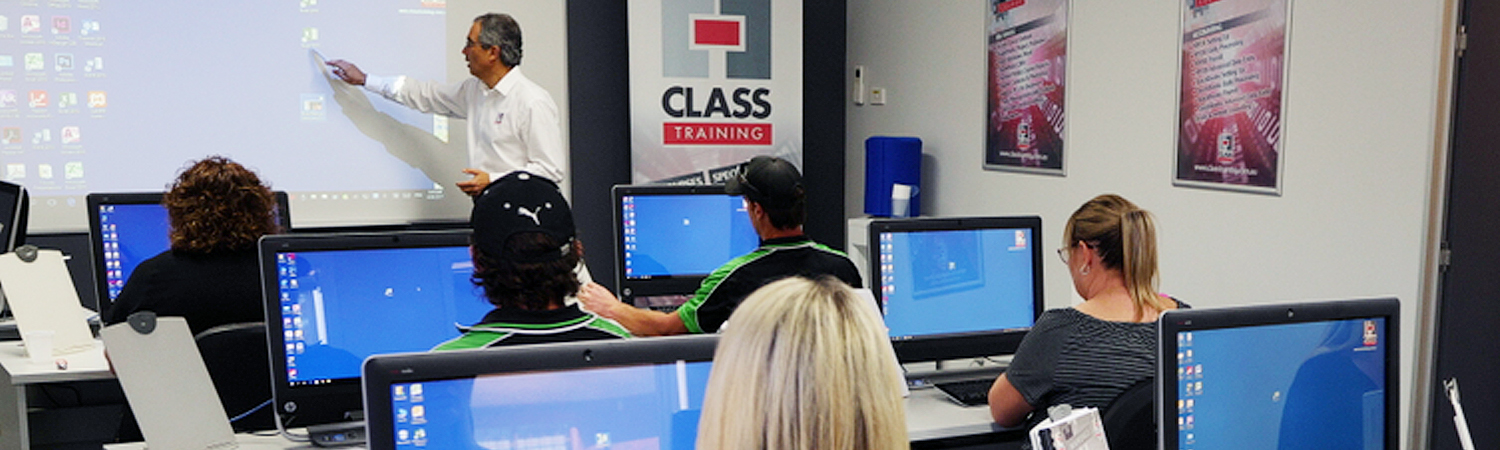
……………………………………………………………………………………..
……………………………………………………………………………………..
……………………………………………………………………………………..
……………………………………………………………………………………..
That’s where our Must-Have video courses can fill the gap with these great features:
……………………………………………………………………………………..
PLUS… When available, you’ll have FREE access to a live, online Q&A session for asking your specific questions or any issues with your work.
……………………………………………………………………………………..
Check out the available ‘freebies’ and courses below:
February 10th, 2026
September 29th, 2026
March 8th, 2024
February 10th, 2026
May 28th, 2026
September 29th, 2021
February 6th, 2026
January 21st, 2025
April 10th, 2024
February 10th, 2026

February 10th, 2026
Some options for showing SP folders in File Explorer.

February 10th, 2026
Some big-picture tips with Copilot for Excel. A game-changer.

February 10th, 2026
Create Excel formulas more easily with cell range names.

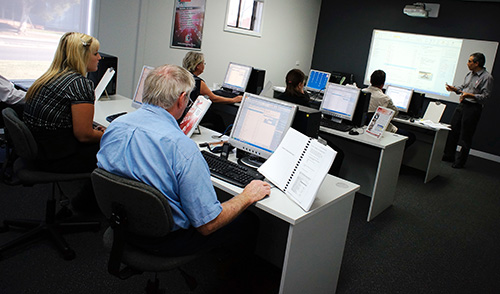
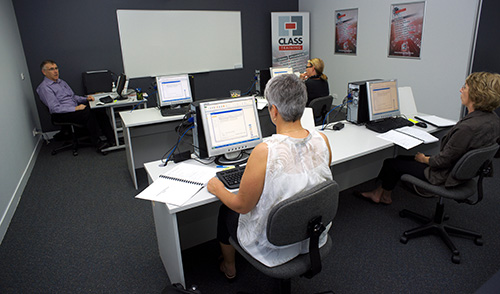
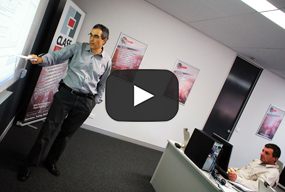
We provide training for all the major Microsoft apps (Excel, OneDrive/SharePoint, Teams, Project, Word, Publisher), as well as basic computing, accounting packages (Xero, MYOB), adobe Suite (PDF Forms, InDesign, PhotoShop) and many others.
And we offer Basic, Intermediate and Advanced levels for most apps, so whether you’re starting from scratch, or are an advanced ‘power-user’, we have a course for you.
We offer face-to-face, hands-on classes as well as live, online sessions. We also offer recorded training classes so you can watch and/or follow along whenever you like.
Most face-to-face courses (Basics, Intermediate, etc) are of 1 day duration each and the live, online sessions are usually from an hour to 3 hours.
Yes, we have a schedule of public courses on our web site. And one of our specialities is provide customised, tailor-made training just for your personnel, when, where and how you need it.
Yes, for the face-to-face courses, you receive a certificate of attendance.
All participants receive training manuals / workbooks with step-by-step exercises, as well as any training files used during the courses. And, yes, you get to keep them! ☺
Either contact us via phone on (02) 6041 2711 or email us on office@classtraining.com.au to discuss your needs. You can also send us your query HERE, or visit HERE to see a list of all courses, scheduled dates, rates and more. Thank you for your time.


